Wi-Fi
Use Wi-Fi to configure the camera to work with a Wi-Fi connection.
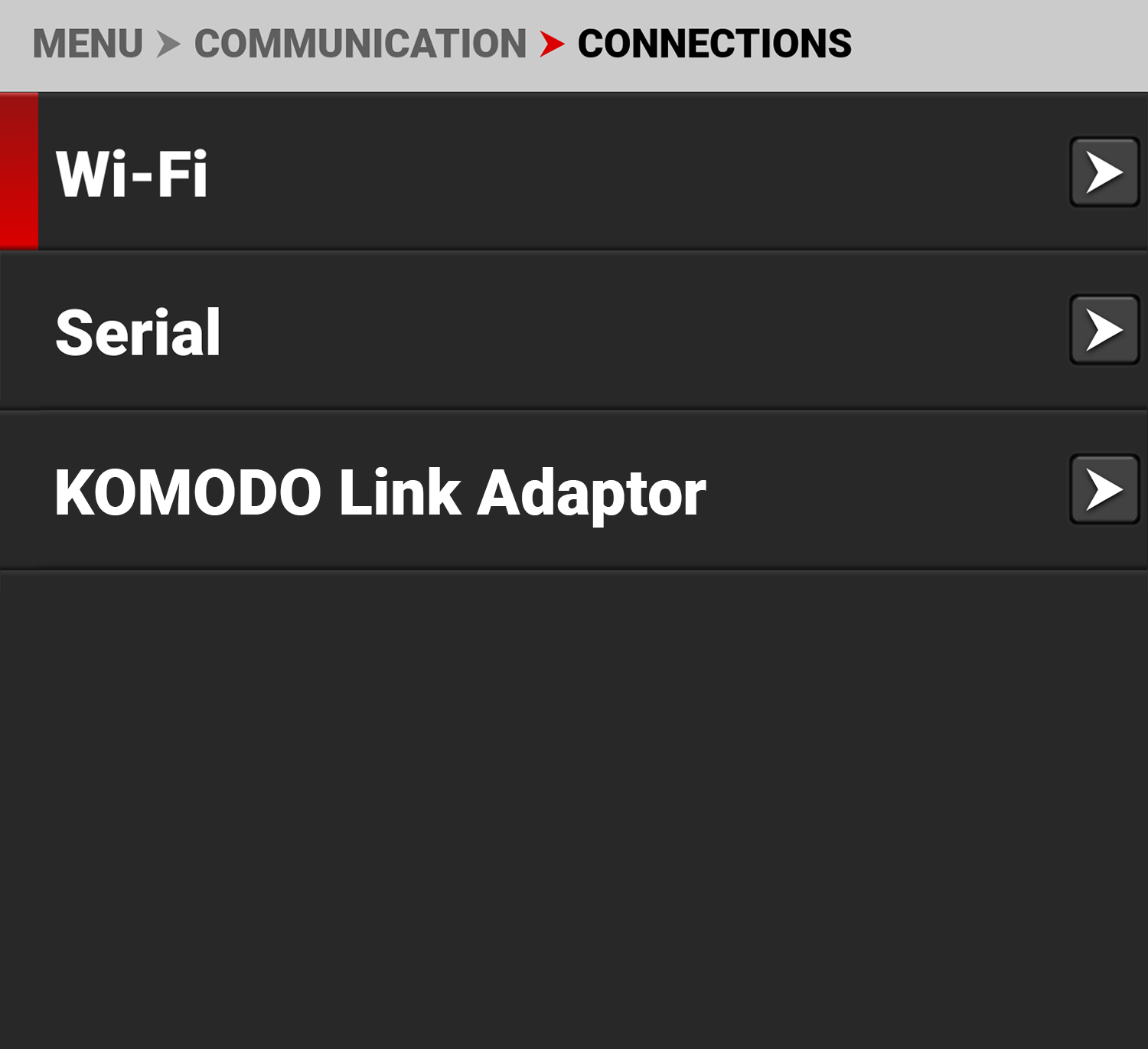
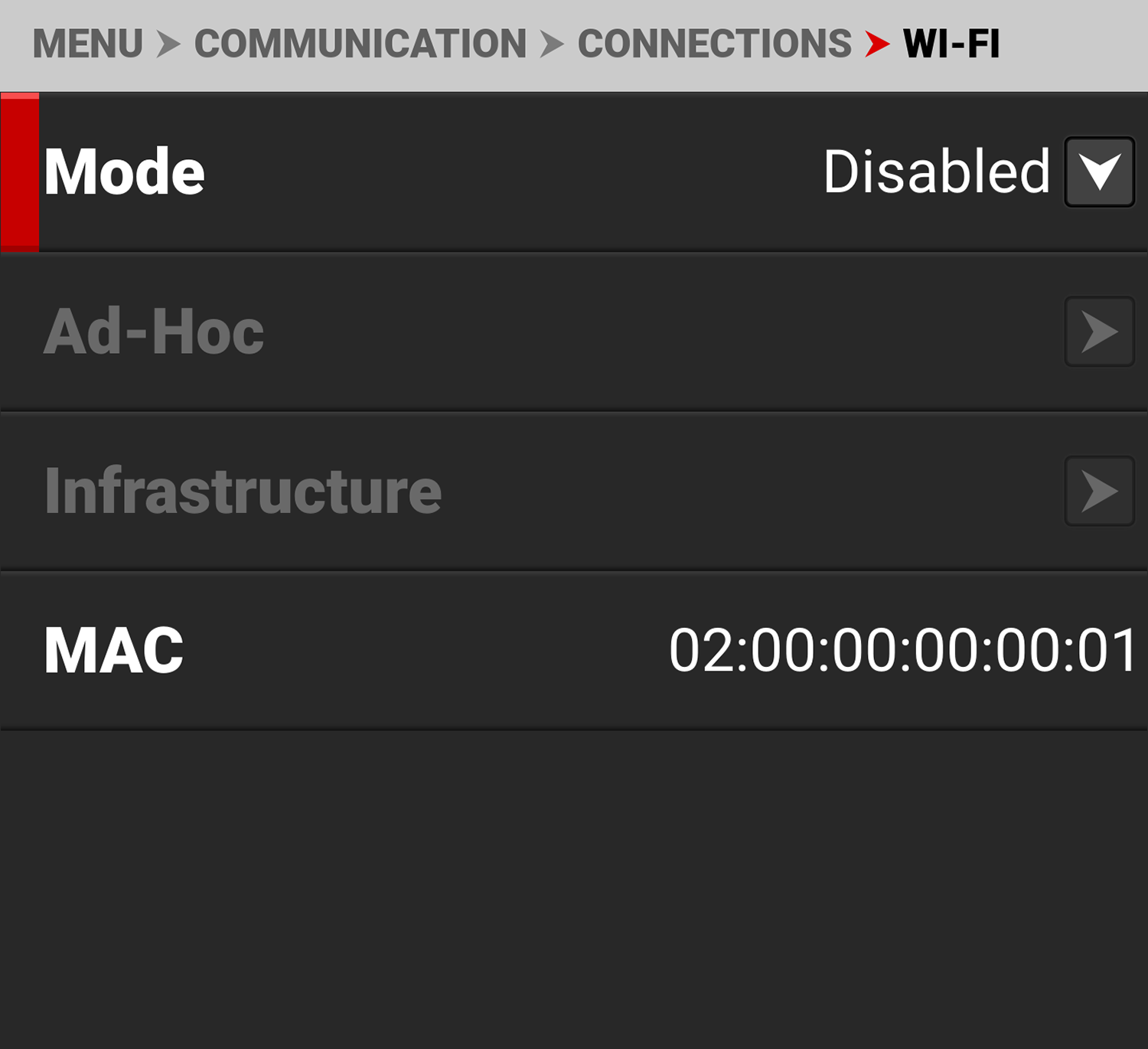
Use the Wi-Fi menu to configure the camera's Wi-Fi settings:
|
Items |
|
Details |
|---|---|---|
|
Mode |
|
Disable Wi-Fi or select the camera Wi-Fi settings |
|
|
Configure the camera as a Wi-Fi hot spot |
|
|
|
Settings for connecting to an existing Wi-Fi network |
|
|
MAC |
|
Displays the camera device MAC address |
WARNING: Do not connect the camera to open, public, or untrusted networks. Other users on the same network may be able to discover the camera and potentially access camera controls and media. Always use appropriate network security protections.
Mode
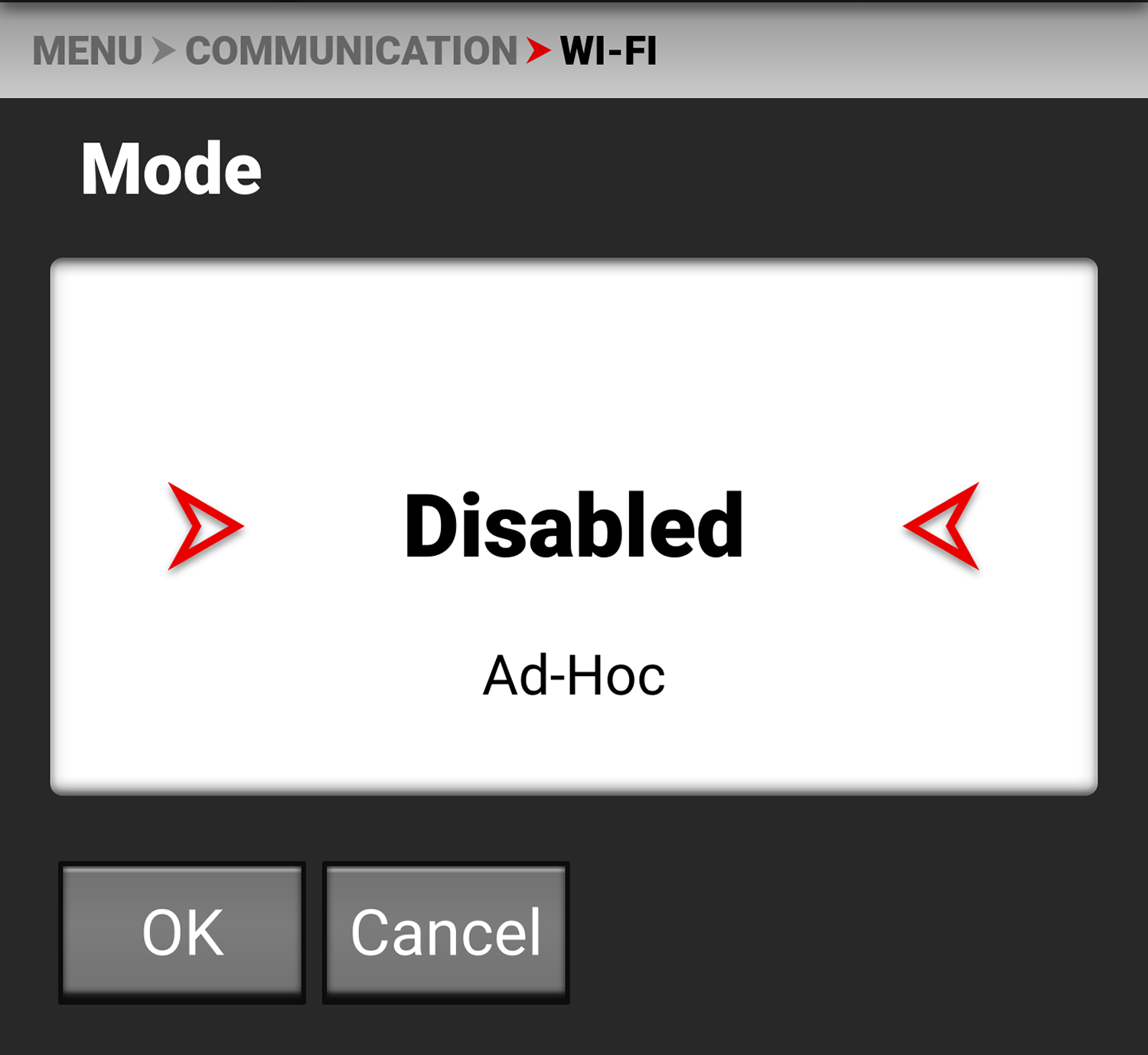
From Mode you can disable the Wi-Fi network, or you can enable the camera's Ad-Hoc or Infrastructure Wi-Fi settings. The default setting is Disabled.